
Glide Mini Game
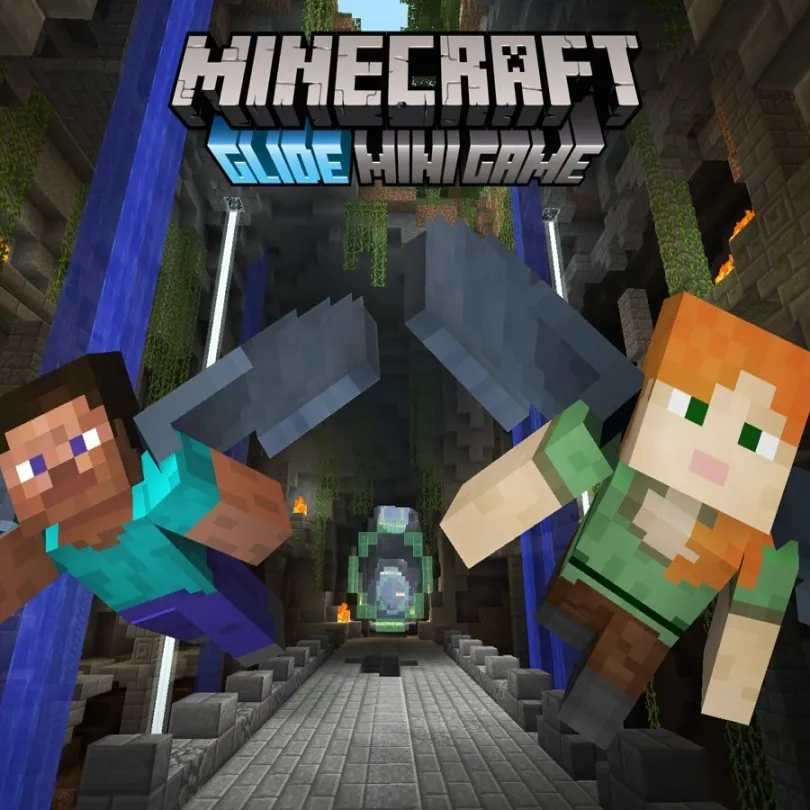
A Bedrock recreation of the Legacy Console Edition Glide minigame featuring elytra tracks, thermals, boosters, and Time or Score Attack modes.
Getting Started and Map Selection
Players begin in an interactive lobby where they can vote for their preferred flying track. While waiting for a match to begin, you can explore the lobby area to find various hidden easter eggs. The base map includes three default tracks to choose from: Cavern, Temple, and Canyon. Additional track packs can be added to the game, with each pack introducing three new maps to the voting menu.
- Spawn into the lobby area.
- Interact with the map item located in your hotbar to open the voting menu.
- Select from Cavern, Temple, Canyon, or any installed track pack courses.
- Use the item located in your 8th hotbar slot to start the round.
Flight Mechanics: Thermals, Boosts, and Checkpoints
Navigating the courses requires using thermals for vertical lift and boosts for forward momentum. When you fly over thermals, they push you upward. Static thermals raise you to a predetermined altitude, whereas natural thermals keep lifting you for as long as you remain inside their hitbox. For speed, orange boosts propel you in whichever direction you are currently looking, while yellow boosts only push you if you are facing the same direction as the boost.
Passing through checkpoints saves the points you have accumulated during your flight. Once you cross a checkpoint, any points earned since the previous checkpoint become secured. Secured points are not lost even if you crash later in the track.
Game Modes and Compatibility
The Glide Mini Game offers two distinct ways to play: Time Attack and Score Attack. Time Attack is the default mode, challenging you to reach the finish line as quickly as possible. To change the mode to Score Attack, you must go into the world's Behaviour Packs menu to swap the active behaviour packs. Regardless of the mode you choose, only your best round with the highest time or score is recorded.
In Score Attack mode, the objective is to collect the highest number of points by flying through colored rings before reaching the end. Green rings reward 3 points, yellow rings reward 5 points, and the more challenging blue rings reward 7 points. You must successfully reach the end of the course for your total score to count. Additionally, this map supports the Console Aspects resource pack, provided you place Console Aspects below Glide in the resource pack priority list.
Questions
What are the default tracks included in the map?
The default tracks available in the voting menu are Cavern, Temple, and Canyon.
How many points do the colored rings give in Score Attack?
Green rings grant 3 points, yellow rings grant 5 points, and blue rings grant 7 points.
What is the difference between orange and yellow boosts?
Orange boosts propel you in any direction you are looking, while yellow boosts only work if you are facing the same direction as the boost.
How do I use the Console Aspects pack with this map?
Place Console Aspects below the Glide pack in your resource pack priority list.
Related
An elytra minigame map with three arenas and three game modes featuring aerial target shooting and Seeker versus Scaper PvP.
A wave survival minigame map where players fly with an elytra and spear to defend a village from airborne pillagers.