
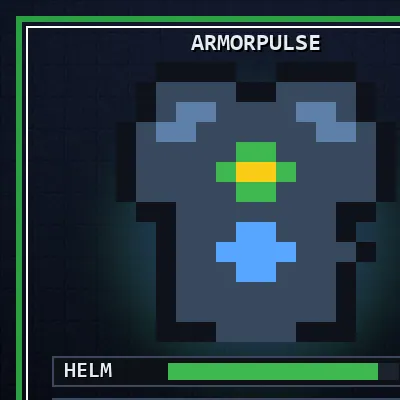
ArmorPulse Durability & PvP HUD
A client-side HUD mod showing live armor and elytra durability bars, critical break alerts, firework rocket counts, and potion timers.
Elytra Flight Telemetry and Break Protection
ArmorPulse Durability & PvP HUD is a client-side Fabric mod that displays real-time Elytra durability and Firework Rocket counts directly on your screen during flight. Created by Khanhtnq, it removes the need to open your inventory while gliding or traveling through the Nether. The overlay tracks your equipped Elytra or Chestplate alongside your Helmet, Leggings, Boots, Mainhand, and Offhand items, showing both remaining/maximum points and an exact percentage. Progress bars change color based on wear: emerald above 50%, amber from 20% to 50%, and crimson below 20%.
To prevent mid-air breaks during long flights, the mod triggers visual and audio warnings when your Elytra or armor drops below 15% and 5% durability. Crossing either threshold activates a flashing border alert reading [ELYTRA / ARMOR <15% CRITICAL!] and plays a single client-side note block pling sound. These warnings automatically reset once you swap your gear or restore durability using Mending.
Supply Tracking and Status Timers
Every tick, the HUD scans all 36 main and hotbar inventory slots plus the offhand to display total Firework Rockets and other survival supplies. Alongside rockets for Elytra propulsion, the counter tracks Totems of Undying, Golden Apples, Enchanted Golden Apples, and all arrow types (including Spectral and Tipped arrows). This allows Hardcore and PvP players to monitor flight fuel and combat consumables at a glance.
Active potion buffs and debuffs are listed on screen with exact minute-and-second countdowns and Roman numeral amplifiers from I to V. When a status effect enters its final 10 seconds, a blinking amber [!] indicator appears next to the timer.
In-Game Controls and Configuration
You can toggle the display and adjust its screen position at any time using two customizable keybindings. All preferences are stored in the config/armorpulse.json file, and the overlay automatically hides itself whenever you press F1 or open the F3 debug screen. Keybinds can be changed in the game menu under Options -> Controls -> Key Binds -> ArmorPulse Survival HUD.
- Press V (default) to toggle the ArmorPulse HUD on or off.
- Press N (default) to cycle through the four screen corners (BOTTOM_RIGHT, BOTTOM_LEFT, TOP_RIGHT, TOP_LEFT) and switch between Full and Compact display modes.
Server Compatibility and Requirements
Because ArmorPulse runs 100% on the client and sends zero custom network packets, it is safe to use on Vanilla Realms, Paper, Fabric SMPs, and PvP servers. The mod requires Java 21, Fabric Loader 0.16.0 or newer, and the Fabric API. While the source notes it is built for Minecraft 1.21 through 1.21.4, project releases cover Java Edition 1.21.1 through 1.21.5.
Questions
What happens when my Elytra is about to break mid-flight?
At <15% and <5% durability, a flashing [ELYTRA / ARMOR <15% CRITICAL!] border alert appears and a client-side note block pling sound plays once per threshold.
Does the HUD count Firework Rockets stored inside my main inventory?
Yes, it scans all 36 main and hotbar slots plus your offhand every tick to show your total Firework Rockets.
How do I move or hide the ArmorPulse overlay?
Press V to hide or show the HUD, and press N to cycle between the four screen corners and toggle Full or Compact mode.
Can I use this mod on multiplayer servers?
Yes, it is a pure client-side mod with no custom network packets, making it compatible with Vanilla Realms, Paper, Fabric SMPs, and PvP servers.
Related
A client-side camera mod that adds smooth perspective transitions and camera roll during elytra flight.
Adds a craftable early-game wooden elytra that loses durability faster at higher altitudes and burns if flown too high.

Overhauls elytra flight by allowing wing flapping, flaring, easy takeoff, and flight stamina using hunger.
Client-side utility mod adding keybinds to toggle elytra flight, trigger flight, and perform one-button firework takeoffs.

A bugfix mod that resolves constant elytra breaking sounds when using BetterEnd elytras with Accessories or Trinkets.

Adds a customizable elytra flight HUD showing optimal pitch angle, speed, altitude, and durability, with optional pitch-locking keybinds.
Allows reinforcing an elytra with Netherite to grant increased durability and lava resistance.
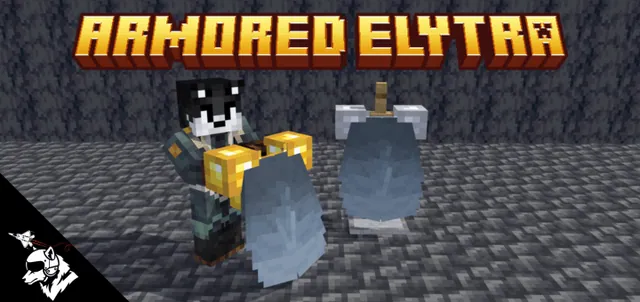
A Bedrock addon that lets players craft an elytra together with a chestplate, preserving armor points, enchantments, and durability.