

Create: Ornithopter Glider
A Create addon adding a craftable Da Vinci-inspired wing glider with a flapping boost mechanic and Curios support.

Overview and Features
Create: Ornithopter Glider adds a custom wing set inspired by the flying machines of Da Vinci. This mod provides an alternative way to glide through the environment in Minecraft. While in the air, the glider plays specific sound effects and displays custom wing animations. It also features native support for placement in the Curios back slot.
Flight Controls and Crafting
Mid-air propulsion is achieved by filling a charge meter to flap the wings for a burst of speed. Holding down the assigned control key, which defaults to Space, charges up the on-screen bar to propel the player forward. Once a wing flap is triggered, a 2-second cooldown must pass before another boost can be used.
Crafting the Ornithopter Glider is done exclusively through the Create mod's Mechanical Crafter. Regular crafting benches cannot produce these wings, meaning you must set up a mechanical assembly grid first.
- Set up a Mechanical Crafter network from the Create mod to build the wings.
- Place the finished glider onto your character or inside the Curios back slot.
- While airborne, hold the Space bar (or your rebound key) to fill the boost meter.
- Trigger the wing flap for forward momentum and wait for the 2-second cooldown before repeating.
Dependencies and Compatibility
You must have the base Create mod installed for the Ornithopter Glider to operate properly. If you prefer to equip the wings in an accessory slot, the mod integrates with Curios API, as well as the combination of Accessories and the Curios Compat Layer. Furthermore, the developer suggests combining this project with Distant Horizons and Do a Barrel Roll during flight.
Questions
How do you gain a speed boost with the Ornithopter Glider?
Hold the designated key (Space by default) to fill the charge bar and flap the wings, keeping in mind the 2-second cooldown between boosts.
What is needed to craft the Ornithopter Glider?
You need to use the Mechanical Crafter provided by the Create mod.
Can the glider be equipped in an accessory slot?
Yes, it fits in the back slot if you install either Curios API or Accessories alongside the Curios Compat Layer.
Related
Adds a dedicated Curios or Trinkets slot for the elytra so players can fly while wearing chest armor.
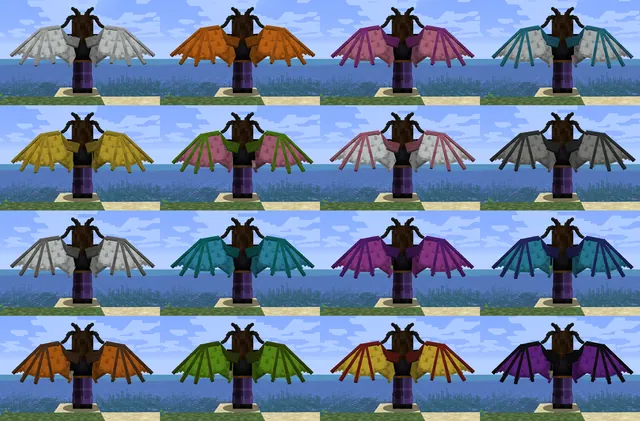
Adds craftable colorful wings worn in the Curios or Trinkets back slot that consume hunger while flying.

Adds tiered craftable gliders from wood to netherite as an early-to-mid-game alternative to the elytra.

Adds craftable hang gliders with wind mechanics and upgradeable speed for gliding through the skies.

Adds a craftable hang glider with wind physics as an early-game scenic flight alternative to the elytra.

Allows players to take off with an elytra from the ground using a firework rocket without jumping.

Allows firework rockets with colors, effects, and shapes to boost elytra flight and create visual displays.
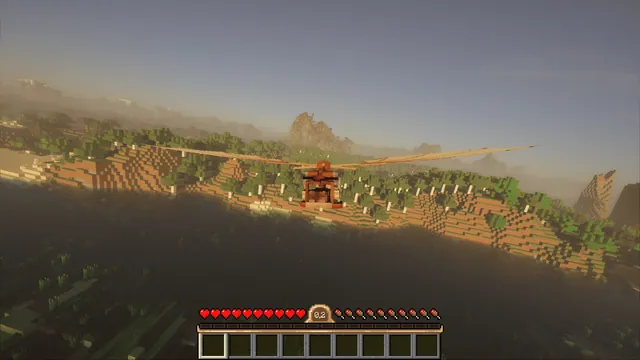
A Create addon that adds a craftable mechanical wing glider with a wing-flap boost mechanic.