
Elytra Swap
A Forge 1.19.2 mod that allows players to swap between an equipped elytra and a chestplate by right-clicking from the hotbar.

Overview and Purpose
The Elytra Swap mod provides a fast method to alternate between wearing an Elytra and a Chestplate in Minecraft. In standard gameplay for this version, players have to open their inventory screen to manually change their chest slot gear. This modification removes that delay by allowing instant equipment adjustments while exploring.
This mechanic is an official feature that was added to the base game in version 1.19.4. The mod works by bringing the 1.19.4 hotbar gear switching functionality back to Minecraft Forge 1.19.2. It lets players on the older release enjoy the same convenient equipment management without needing to upgrade their world to a newer version.
How to Swap Gear in Game
Operating the mod requires no extra configuration or separate keybinds. You can exchange your currently equipped chest item with the one held in your hand by pressing right-click. This allows you to quickly adapt your gear to different situations, saving time when switching between flying and defense.
- Wear either your Elytra or your Chestplate in your character's armor slot.
- Keep the other piece of gear (the Chestplate or the Elytra) inside your hotbar.
- Scroll to that hotbar slot so your character is holding the item in their hand.
- Press right-click to immediately trade the held item with the equipped one without opening your inventory.
Questions
How do I switch between my Elytra and Chestplate with this mod?
Hold the unequipped Elytra or Chestplate in your hand from your hotbar and press right-click to trade it with the one you are currently wearing.
Which Minecraft version and mod loader does Elytra Swap support?
It is built specifically for Minecraft 1.19.2 running on the Forge loader.
Do I need to open my inventory to change my Elytra?
No, using right-click exchanges the items directly from your hotbar without opening the inventory menu.
Related
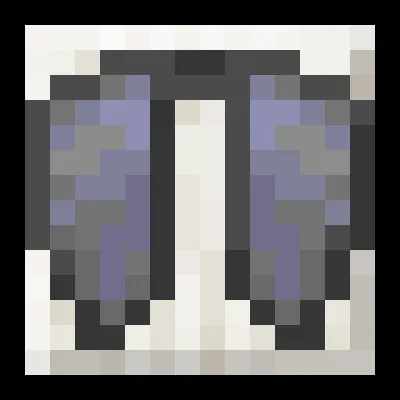
Adds a dedicated Curios or Trinkets slot for the elytra so players can fly while wearing chest armor.
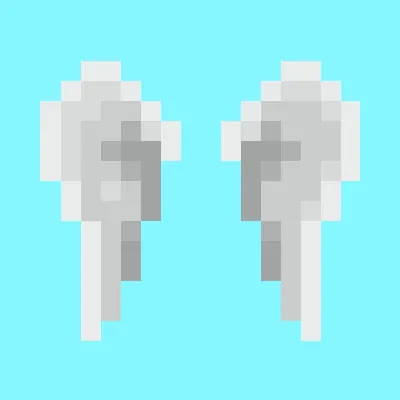
Adds craftable colorful wings worn in the Curios or Trinkets back slot that consume hunger while flying.
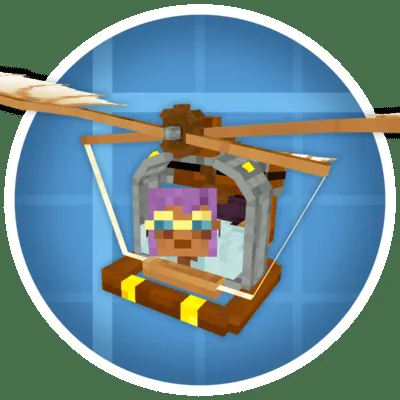
A Create addon that adds a craftable mechanical wing glider with a wing-flap boost mechanic.
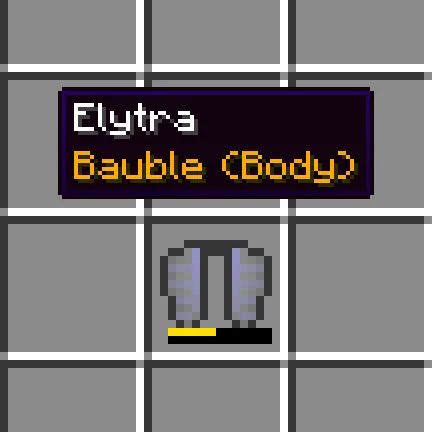
Allows players to equip their elytra in the Baubles body slot and fixes several Baubles bugs.
A quality-of-life mod that lets players quickly swap between their chestplate and elytra with a keybind.

A bugfix mod that resolves constant elytra breaking sounds when using BetterEnd elytras with Accessories or Trinkets.

A lightweight Fabric mod that allows equipping the elytra in the Trinkets API cape slot.
Adds a dedicated equipment slot so players can wear an elytra alongside chest armor.