
Custom Elytra ResourcePack
A vanilla resource pack and datapack pair that unlocks over 50 cape-based and custom Elytra skins by renaming in an anvil.

What the Custom Elytra ResourcePack Changes
This project lets you apply various cape-based skins to your Elytra without actually owning the corresponding capes. You can change the visual appearance of your wings in-game simply by using an anvil. Furthermore, OptiFine is not required for these custom textures to display, though you must have both this resource pack and its companion data pack active in your world for the feature to work.
How to Apply and Remove Elytra Skins
To change your wing appearance, place any Elytra inside an anvil and rename it to match one of the supported skin names. You must copy the spelling of the chosen option identically for the texture to change. If you have a cape equipped on your account but prefer the standard grayish wings, renaming the item to Default will force the original Elytra texture to show over your cape. When you want to revert a customized item back to its regular state, simply use an anvil to delete the custom name from the Elytra.
- Place your Elytra in an anvil.
- Type the exact name of the skin you want to apply, or type Default to use the standard gray texture.
- Take the renamed Elytra from the anvil to display the new skin.
- Delete the item's custom name in an anvil at any time to restore its normal behavior.
Available Anvil Rename Options
For convention and studio designs, you can rename your item to several historical and developer titles. The Minecon textures cover Minecon 2016, Minecon 2015, Minecon 2013, Minecon 2012, and Minecon 2011. Developer and service styles include Mojang Studios, Mojang Office, Mojang Classic, Mojang, Mojira, Realms, Oxeye, Cobalt, and Scrolls. You can also choose community or milestone skins by typing Translator, Millonth Customer, MCC 15, Anniversary 15, Migration, Founders, or Experience.
Many holiday, color, and themed designs are also supported in the main selection. You can type Jack Black Red, Jack Black Gray, or Jack Black Blue for those specific variants. Other distinct names in the primary group include Yearn, Vanilla, Valentine, Turtle, Test, Spade, Snowman, Purple Heart, Prismarine, Pan, Menace, Home, Followers, dB, Common, Cherry Blossom, and Birthday.
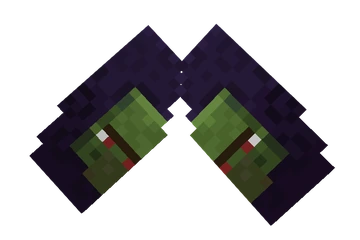
Beyond the main set, additional newer textures are ready to use at an anvil. These extra choices are Zombie Horse, Special, Soul, Twisted, Progress Pride, Moonlight Trail, Heroe, Crafter, Copper, Builder, and Blueprint. Remember that exact spelling is mandatory for every option, including specific spellings like Millonth Customer and Heroe.
Questions
Do I need OptiFine to use the Custom Elytra ResourcePack?
No, OptiFine is not needed.
Why isn't the Elytra texture changing when I rename it?
Make sure you have both the ResourcePack and the companion DataPack active in your world, and check that the skin name is spelled identically to the provided options.
How do I show the normal gray Elytra if I am wearing a cape?
Rename your Elytra to Default in an anvil to display the original grayish texture even with a cape equipped.
How can I remove a custom skin from my Elytra?
Place the renamed Elytra in an anvil and delete its custom name to return it to normal.
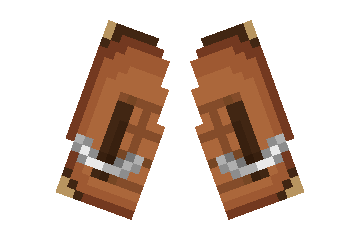
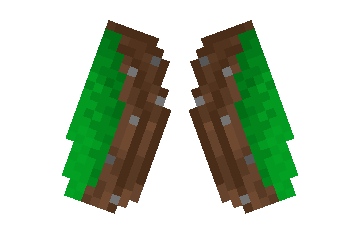
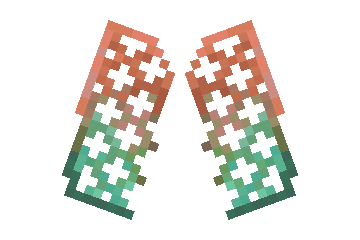
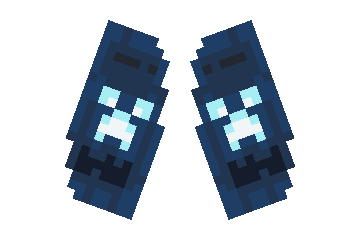
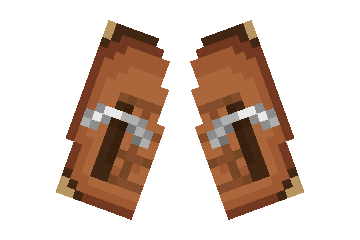
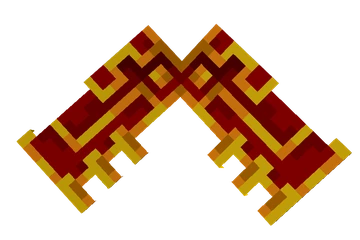
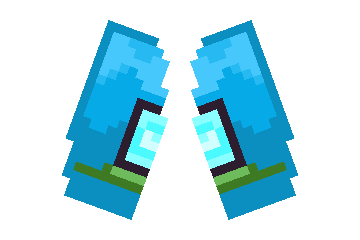
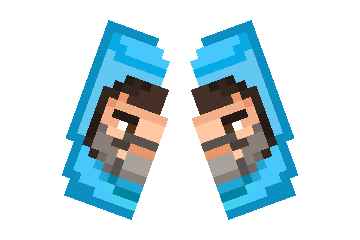
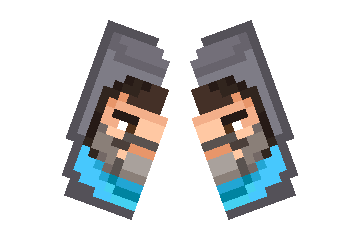
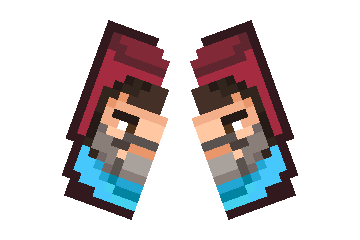
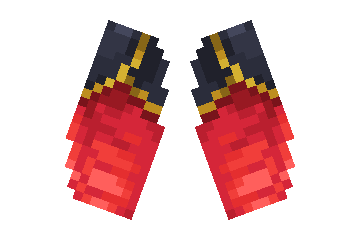
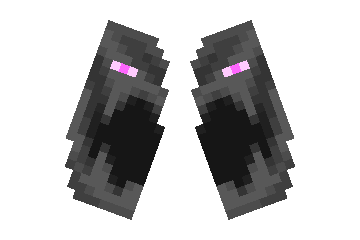
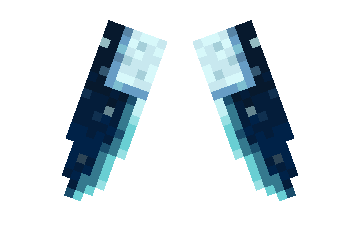
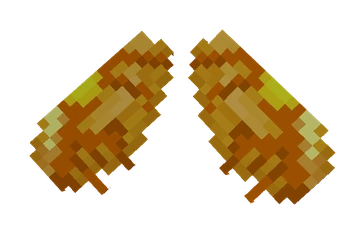
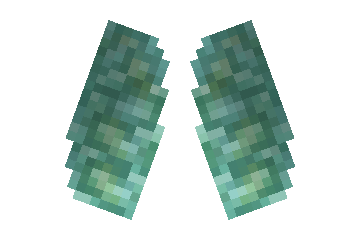
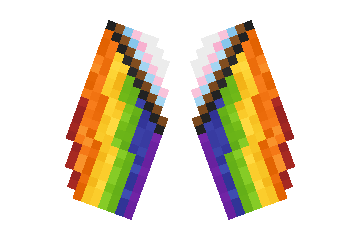
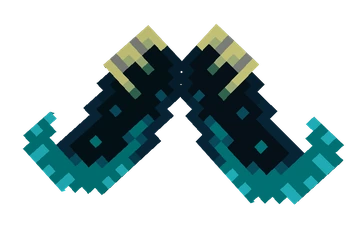
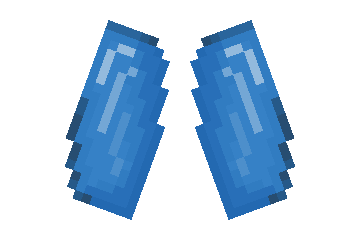
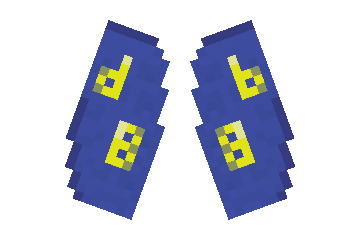
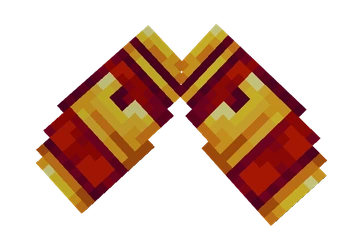
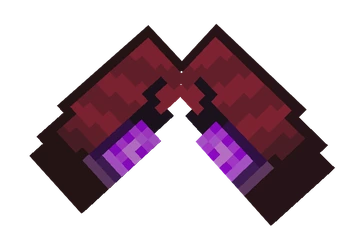
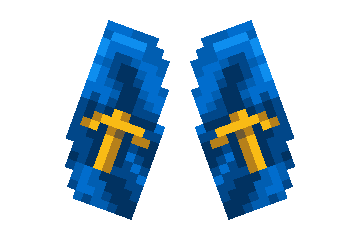
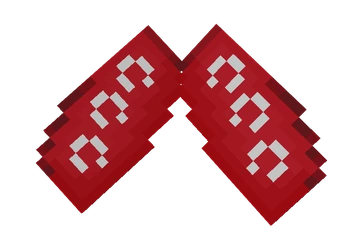
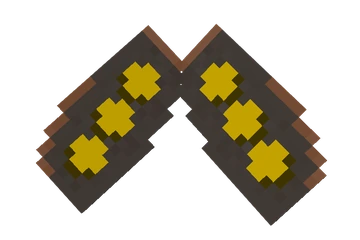
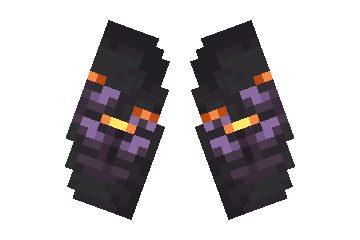
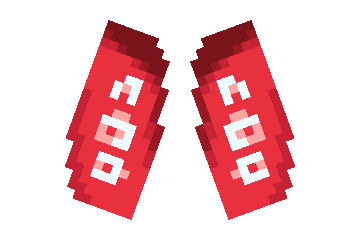
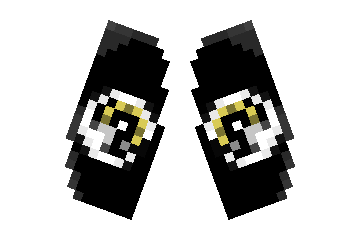
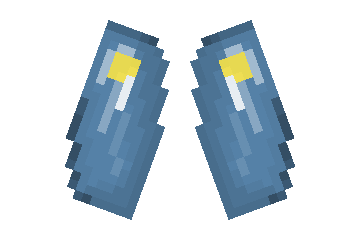
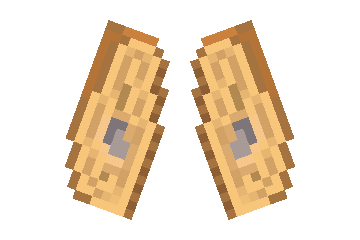
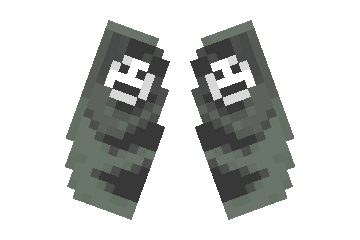
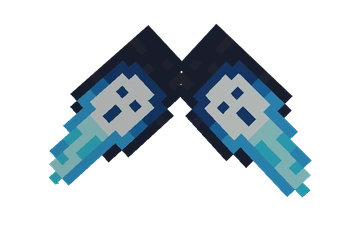
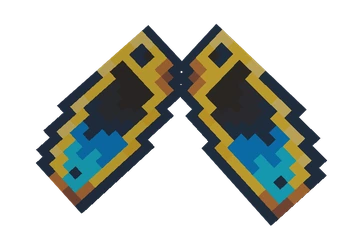
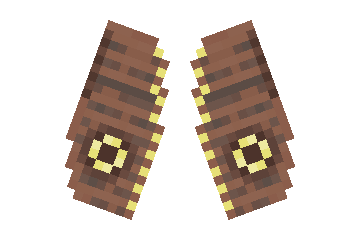
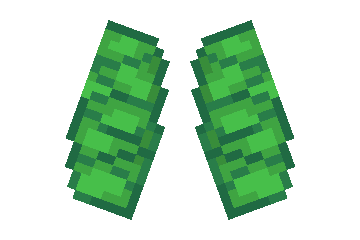
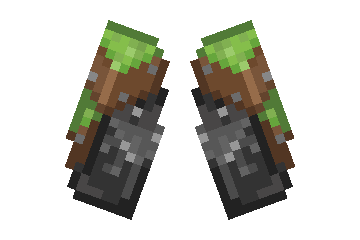
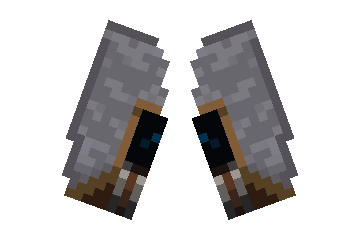
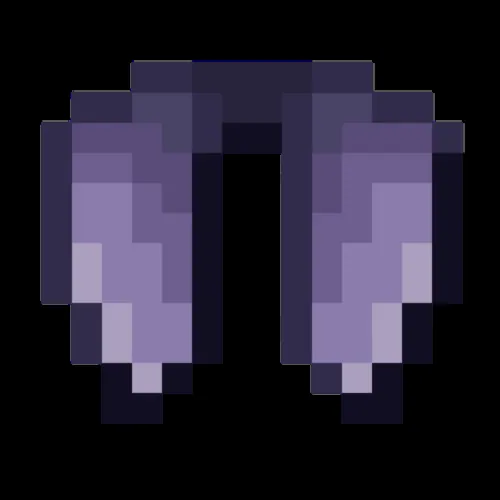
Elytra designs in this pack


Related

A 16x resource pack that subtly redesigns all vanilla armor sets and the elytra while keeping the default style.

An OptiFine CIT resource pack that adds over 150 custom elytra textures unlocked by renaming an elytra.
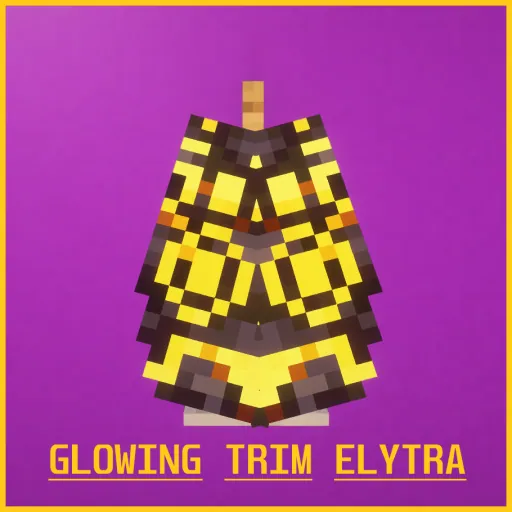
An OptiFine CIT resource pack adding 288 glowing armor trim combinations for the Elytra in 16 colors and 18 trim patterns.
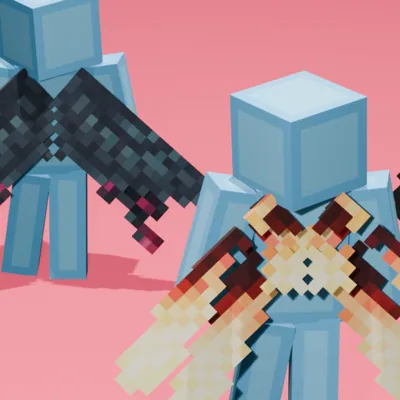
A Bedrock port of Chimedragon's 16x and 32x insect-inspired Elytra texture packs featuring butterflies, moths, dragonflies, and ladybugs.

A resource pack that shrinks armor, trims, and elytra textures to cover less of the player's skin.
A resource pack that enhances the default elytra item and worn model textures.

A resource pack that recolors the default elytra texture to black.
Refines the default Elytra texture with enhanced details while keeping the vanilla aesthetic.