
Upgraded Elytra
An OptiFine resource pack that changes elytra textures to match vanilla armor tiers when renamed.
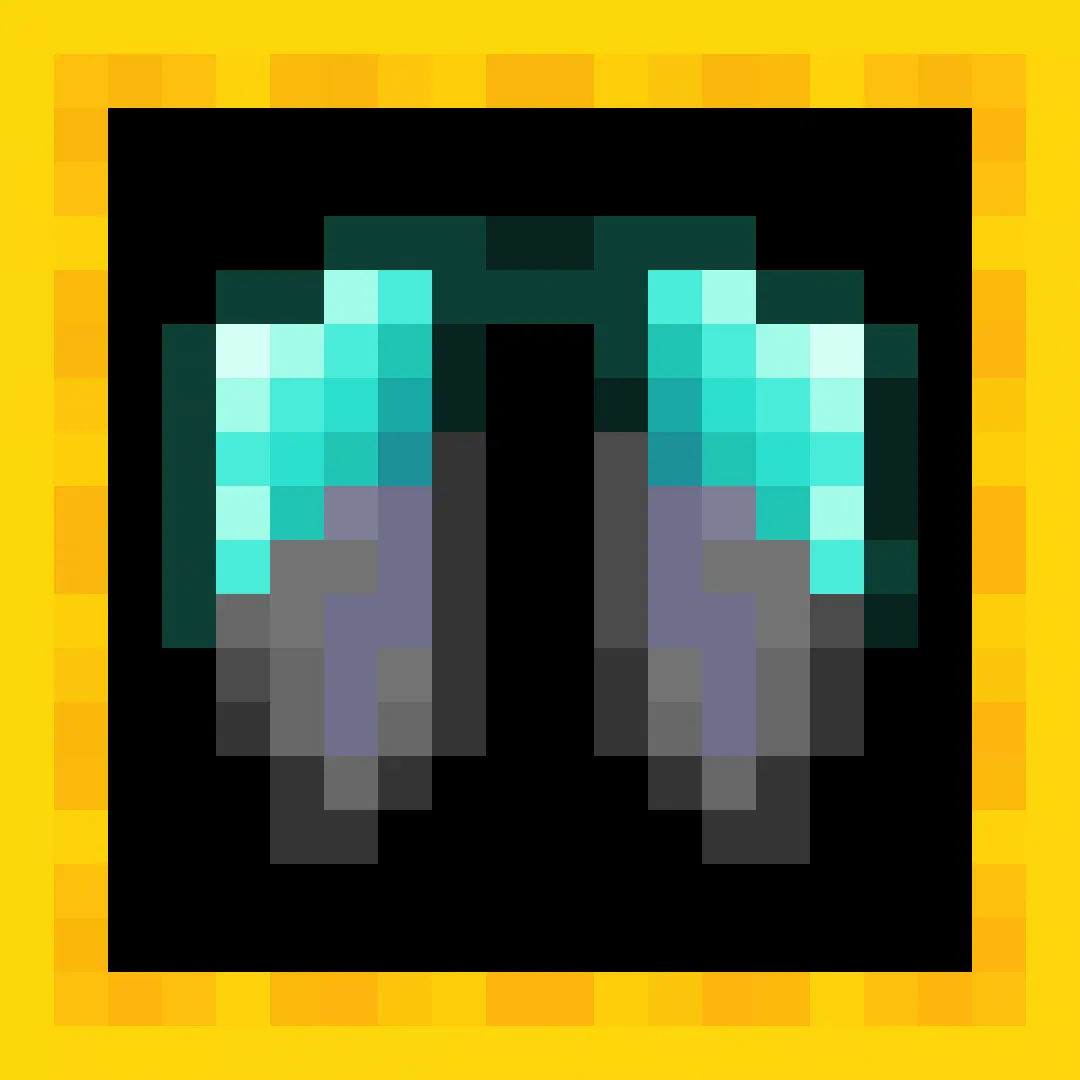
Armor-Matching Elytra Textures
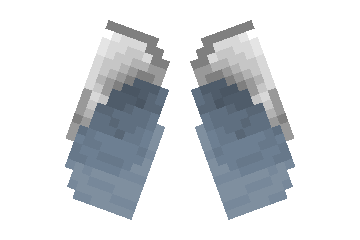
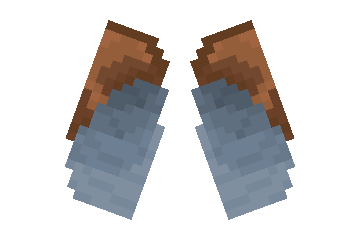
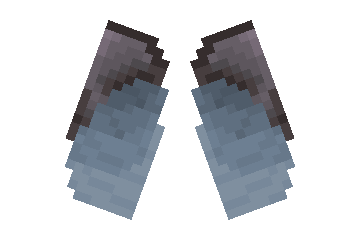
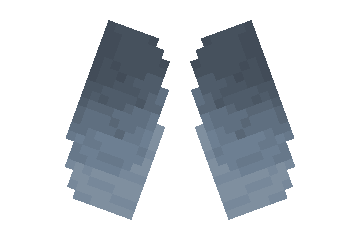
Upgraded Elytra by TinyDaggsy alters the default wing look to match standard Minecraft armor materials. Designed for Java Edition, this resource pack helps your flight gear blend in with the rest of your equipped protection. The pack is offered in both a thin and a thick edition so players can select the wing shape they prefer.
How to Apply the Textures in Game
Changing the appearance of your wings requires renaming the item to a specific armor material title. Once renamed, the resource pack will display the corresponding texture instead of the vanilla look. You must have OptiFine installed for these name-based visual changes to show up in your game.
- Rename the item to Netherite Elytra for the netherite style.
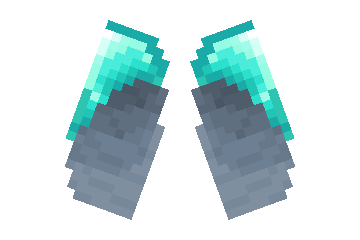
- Rename the item to Diamond Elytra for the diamond style.
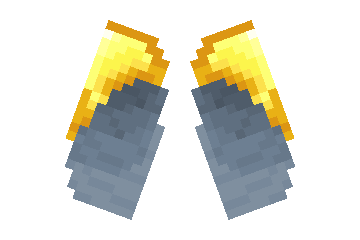
- Rename the item to Gold Elytra for the gold style.
- Rename the item to Iron Elytra for the iron style.
- Rename the item to Chainmail Elytra for the chainmail style.
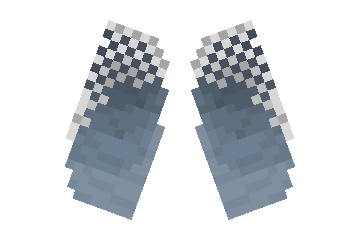
- Rename the item to Leather Elytra for the leather style.
Questions
Does Upgraded Elytra require any mods to work?
Yes, OptiFine is required for the custom textures to appear.
Which armor styles are included in this resource pack?
It includes textures for Netherite, Diamond, Gold, Iron, Chainmail, and Leather.
What options are available for the wing shape?
The resource pack is available in a thin style and a thick style.
Elytra designs in this pack
Related
A 16x resource pack that subtly redesigns all vanilla armor sets and the elytra while keeping the default style.
An OptiFine CIT resource pack that adds over 150 custom elytra textures unlocked by renaming an elytra.
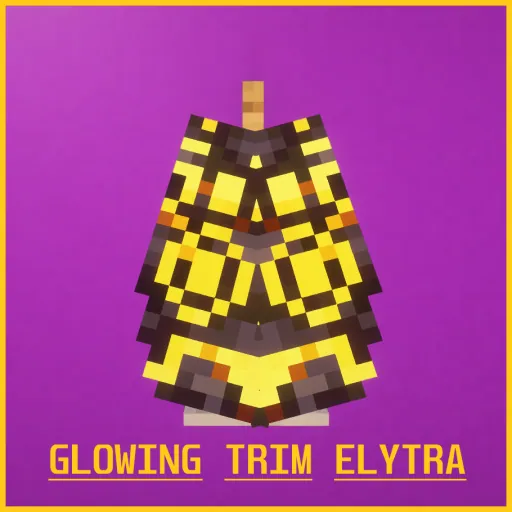
An OptiFine CIT resource pack adding 288 glowing armor trim combinations for the Elytra in 16 colors and 18 trim patterns.
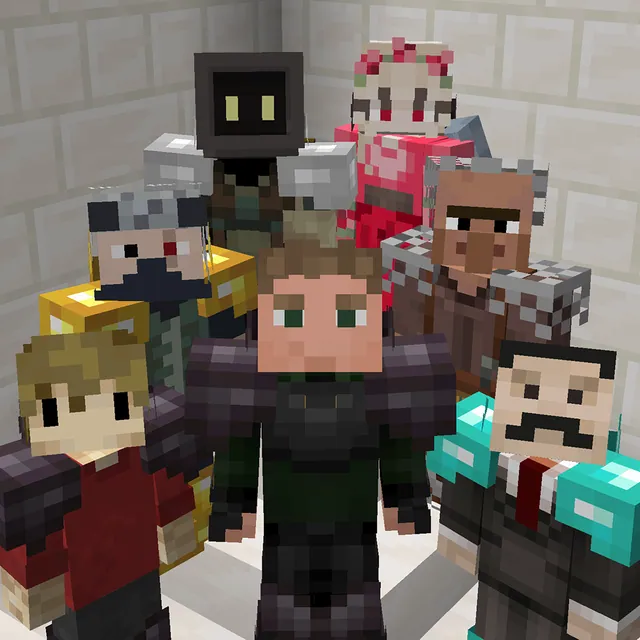
A resource pack that shrinks armor, trims, and elytra textures to cover less of the player's skin.
A resource pack that enhances the default elytra item and worn model textures.

A resource pack that recolors the default elytra texture to black.
Refines the default Elytra texture with enhanced details while keeping the vanilla aesthetic.
CIT resource pack offering renamable variants of tools, weapons, Story Mode armor sets, and elytra.