
PixelForge
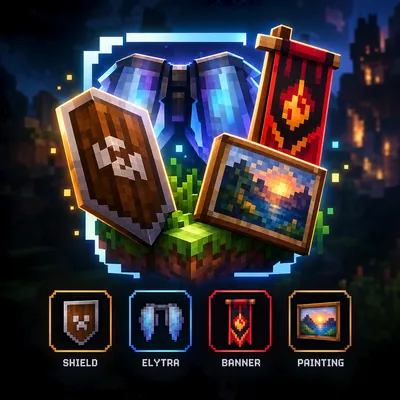
An in-game pixel art studio and AI texture generator for creating custom elytra, shield, banner, and painting textures with a 3D preview.
Overview & Elytra Customization
PixelForge by givemeplus is a Java Edition mod that lets players design custom textures for elytras, shields, banners, and paintings directly inside the game. You can create artwork manually on a canvas or generate textures using text prompts with the built-in AI tool. For elytras, the custom wing textures render without clipping across first-person, third-person, and player back models.
The mod also supports custom shields with a 12:22 front heraldry mapping, floor or wall banners with 16-angle rotation and wind-sway physics, and paintings in 9 frame sizes ranging from 1x1 to 4x4. Players can inspect how their artwork wraps around elytra wings or other items before applying it by using the rotatable real-time 3D isometric preview.
In-Game Studio & Creation Tools
The manual pixel art workshop GUI provides a Pencil, Eraser, Color Picker (Eyedropper), and Bucket Fill (Flood Fill) alongside a 20-color quick palette. Creators can navigate the canvas using pan and zoom controls while relying on a 60-step Undo and Redo history for corrections.
Players can switch between a 16x retro pixel art resolution and a high-definition mode with a single click, or type a text description to let the AI generator build the texture. Completed artworks can be saved to a local design library and searched by prompt name inside the Creative tab.
How to Use & Survival Crafting
To use custom designs in Survival mode, players must first craft a Design Scroll using a shapeless recipe of 2 Paper and 1 Ink Sac, which yields 2 Design Scrolls. You can also combine any vanilla Elytra, Shield, Banner, or Painting with a Design Scroll in a Crafting Table to prepare custom gear.
- Open the workshop GUI by pressing the O key (which can be changed in the Controls menu) or by right-clicking while holding a Design Scroll.
- Select Elytra, Shield, Banner, or Painting as your target item and pick your canvas size.
- Draw your texture manually using the canvas tools, or switch to AI Mode, enter a text prompt, and click Generate.
- Click Apply to Item to bind the finished texture to the gear held in your hand, or save the artwork to your local library for later use.
Compatibility & Technical Info
PixelForge runs on Minecraft Java Edition 1.20.1 using the Forge mod loader (version 47.x and above). It is a standalone mod that requires no external dependencies and works in both LAN worlds and dedicated multiplayer servers.
Questions
How do I open the texture creation menu in-game?
Press the O key on your keyboard (configurable in Controls) or right-click while holding a Design Scroll.
How do I craft a Design Scroll in Survival mode?
Combine 2 Paper and 1 Ink Sac in a shapeless crafting recipe to receive 2 Design Scrolls.
Does PixelForge require any extra library mods to run?
No, it has no dependencies and runs standalone on Forge 47.x+ for Minecraft 1.20.1.
Can I use custom elytra textures with friends on a server?
Yes, the mod is compatible with both LAN and dedicated multiplayer servers.
Related
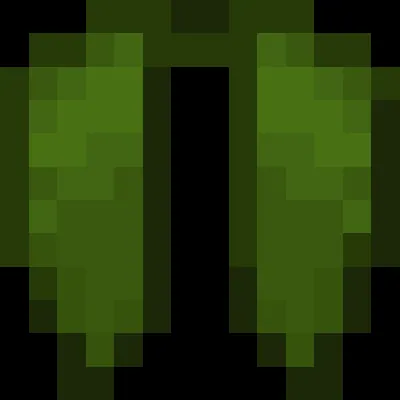
Allows players to customize elytras with dyes, banner patterns, armor trims, and glow ink sacs.
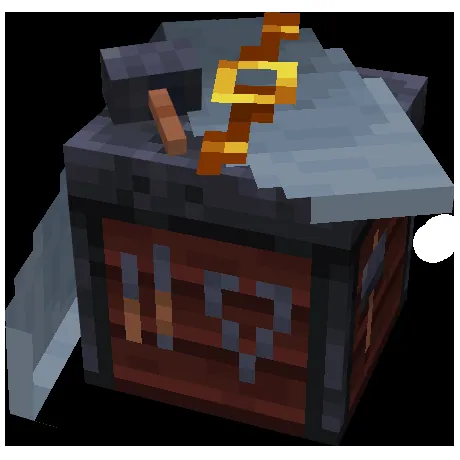
Allows players to apply armor trims, dyes, banner patterns, and glow ink to elytras.
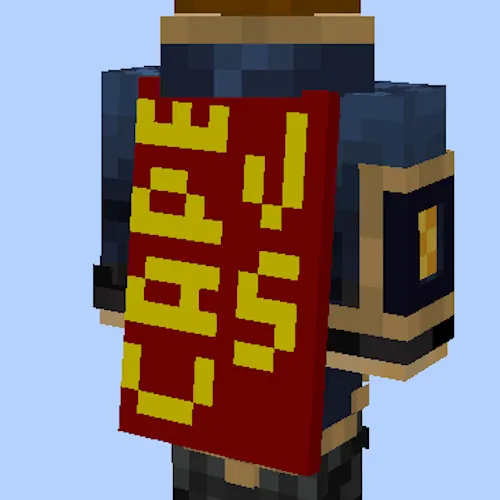
A KubeJS addon that lets modpack developers assign custom cape and elytra textures to players via scripts.
A client cosmetics mod providing custom high-resolution capes, elytras, hats, and shoulder buddies.

Adds flowing cape-like movement physics to the elytra when worn on a player's back.

Allows firework rockets with colors, effects, and shapes to boost elytra flight and create visual displays.

Adds cape-like movement physics to the elytra while worn on a player's back.

Adds configurable wingtip contrails and visual trails while flying with an elytra.