
Coloured Elytra Texture Pack
An OptiFine resource pack that adds 16 dyed elytra variants plus an invisible elytra, applied by renaming at an anvil.
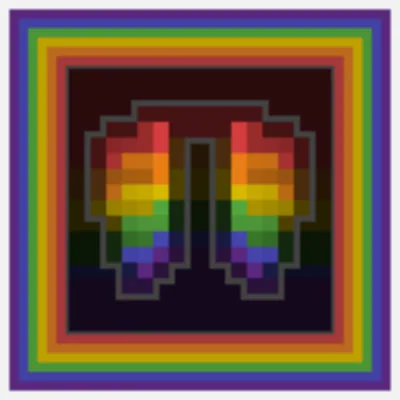
Overview of Coloured Elytra
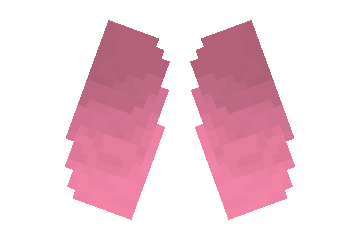
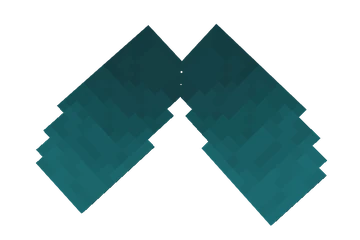
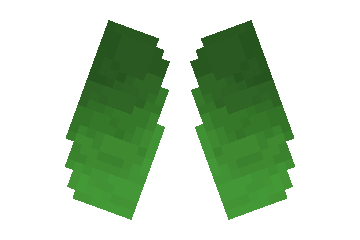
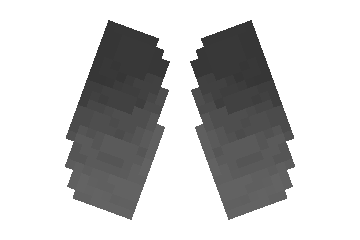
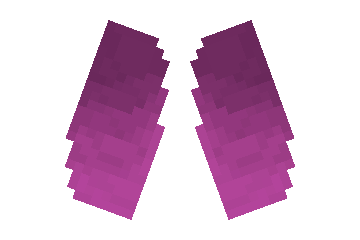
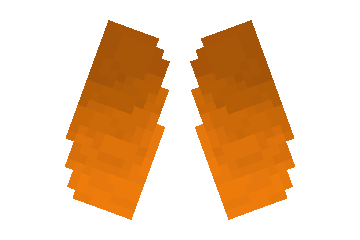
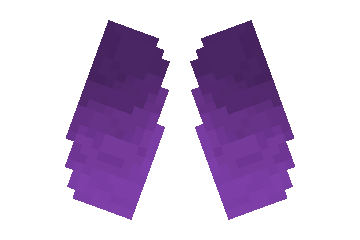
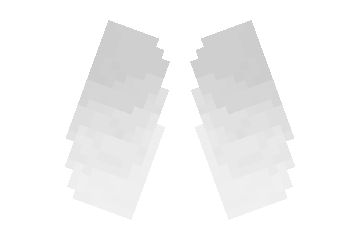
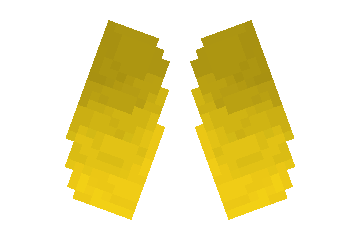
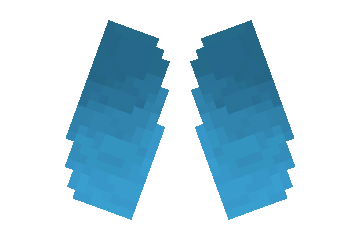
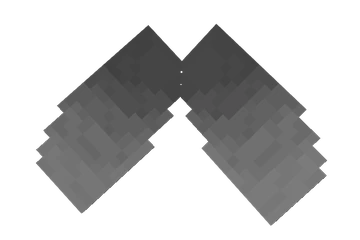
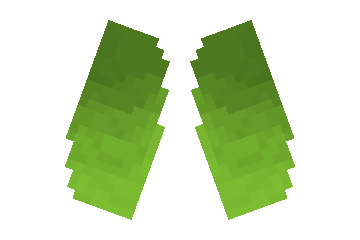
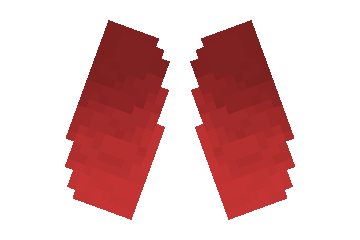
The Coloured Elytra texture pack lets players replace the default gray wings with any of the 16 standard colors. This project allows you to customize your gliding gear if you prefer shades like red or blue over the regular appearance. A newer update boosted the texture saturation so the wings match concrete blocks more closely. The update also introduced an invisible wing option for players who want to glide without visible equipment.
How to Change Elytra Colors
You can apply a new color to your wings by placing them inside an anvil and renaming them to a specific shade. The game requires Optifine for these custom anvil names to function as intended. Type one of the 17 listed labels into the anvil text field to alter the appearance of your item.
- Single-word colors: red, orange, yellow, lime, green, cyan, blue, purple, magenta, pink, brown, white, gray, or black.
- Two-word colors with an underscore: light_blue or light_gray.
- Hidden option (number 17): rename the wings to invisible.
Requirements and Planned Additions
Optifine must be installed for the Coloured Elytra pack to display the renamed textures properly. Without this requirement, renaming your gear on an anvil will not change its default gray look. For upcoming releases, the author plans to introduce a Rainbow Elytra and an Ender Dragon Elytra. Wing designs based on Minecon capes might also be added in the future.
Questions
Why do my renamed wings still look gray?
You need to have Optifine installed for this texture pack to work properly.
What is the exact anvil name for light blue or light gray wings?
You must use an underscore between the words: light_blue or light_gray.
How do I get the invisible wings?
Put your elytra in an anvil and rename it to invisible.
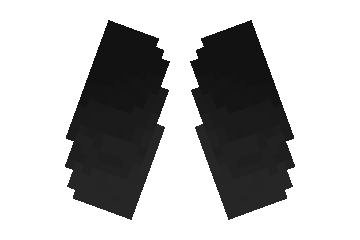
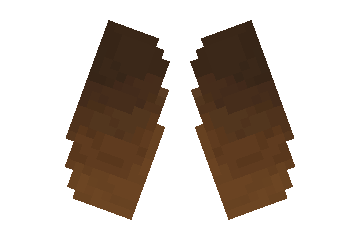
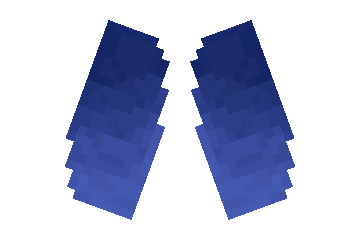
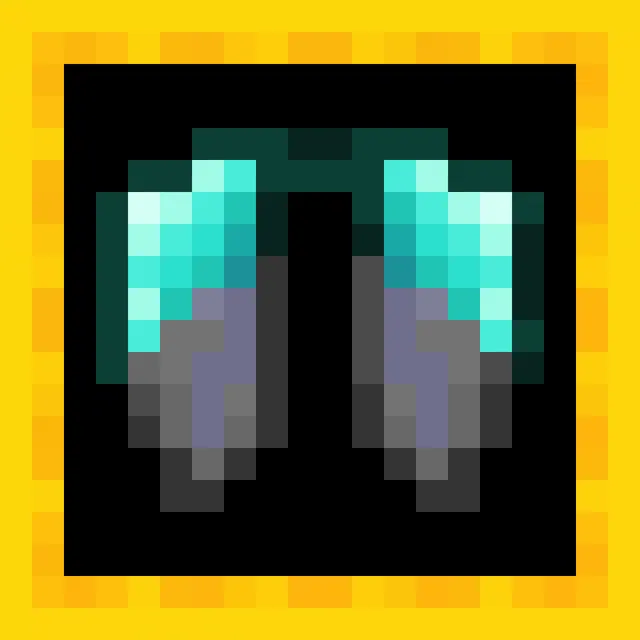
Elytra designs in this pack
Related
A 16x resource pack that subtly redesigns all vanilla armor sets and the elytra while keeping the default style.
An OptiFine CIT resource pack that adds over 150 custom elytra textures unlocked by renaming an elytra.
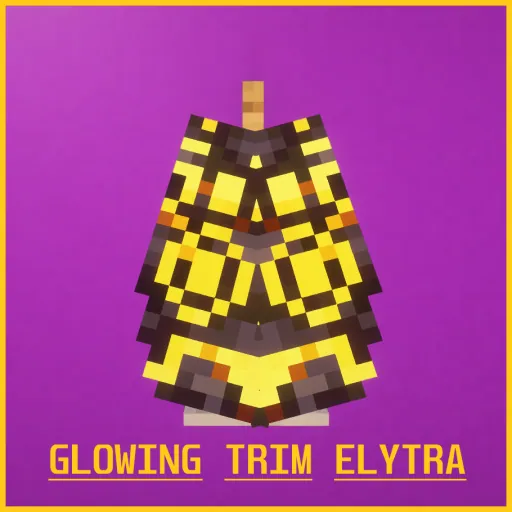
An OptiFine CIT resource pack adding 288 glowing armor trim combinations for the Elytra in 16 colors and 18 trim patterns.
A resource pack that shrinks armor, trims, and elytra textures to cover less of the player's skin.
A resource pack that enhances the default elytra item and worn model textures.
A resource pack that recolors the default elytra texture to black.
Refines the default Elytra texture with enhanced details while keeping the vanilla aesthetic.
An OptiFine resource pack that changes elytra textures to match vanilla armor tiers when renamed.