
Elytra Models
Minecraft Bedrock resource pack providing 30 selectable 3D elytra models including angel, dragon, butterfly, demon, and fairy wings.
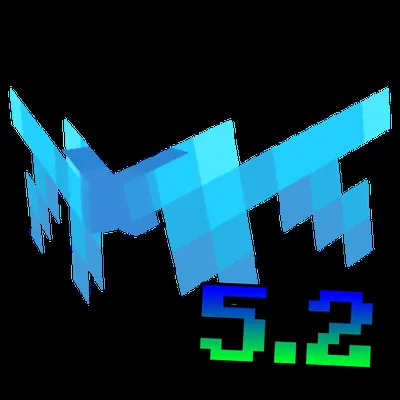
Overview of Elytra Models
Created by Dead_Eye_ for Minecraft Bedrock Edition, the Elytra Models pack replaces the standard elytra with custom 3D models and wings. Instead of using the default glider appearance, players can fly using various themed designs ranging from creature wings to vehicles. Version 5.2 introduces glowing blue Allay wings and updates the Vex wings with new textures and model styling to match current mob designs.
Available 3D Wings and Models
Players can choose from a diverse selection of mob-inspired and fantasy wings to customize their flight appearance. The mob and insect options include Allay Wings, Vex Wings, Bee Wings, Dragonfly Wings, Phantom, and Butterfly Wings in Monarch or Blue Monarch patterns. For mythical styles, the pack provides Angel Wings, Fallen Angel Wings, Fairy Wings, Pegasus, Unicorn, Dragon Wings in Ender Dragon or Skeletal Ender Dragon variants, and Demon Wings in Gray, Purple, Red, or Skeletal styles.
For those who prefer mechanical or alternative flight concepts, the pack also includes non-wing 3D models. You can glide through the air using an Alien Ship, a Jetpack, a Paper Airplane, or a Leonardo da Vinci Ornithopter. Only one design is active at a time, and you can switch between these options whenever you want through the pack configuration.
How to Select Your Elytra Design
Unlike packs that require anvils or specific item names, this Bedrock resource pack uses a built-in subpack slider in the game settings to change the elytra appearance. Follow the steps below to pick and equip your preferred 3D model.
- Open your Minecraft Settings and navigate to Global Resources, or open the Resource Packs tab inside your World Settings.
- Enable the Elytra Models Pack.
- Select the gear icon on the active pack to bring up the subpack slider menu.
- Move the slider to choose the specific wing or vehicle model you want to use.
- Enter your world and put on an elytra to display the selected 3D model on your character.
Questions
How do I switch between the different elytra models?
Select the gear icon on the activated pack in your Global Resources or World Resource Packs menu, then move the subpack slider to pick a different model.
What was added in the 5.2 update?
Version 5.2 added glowing blue Allay wings and updated the Vex wings with new textures and styling to fit current Minecraft mob designs.
Are there color variations for the wings?
Yes, Butterfly Wings come in Monarch and Blue Monarch, Dragon Wings include Ender Dragon and Skeletal variants, and Demon Wings are available in Gray, Purple, Red, and Skeletal.
Elytra designs in this pack
Related
A resource pack that replaces the default elytra with detailed dragon wing textures.
A Minecraft Bedrock texture pack featuring over 19 glowing Elytra designs selectable via subpacks, inspired by mobs and characters.
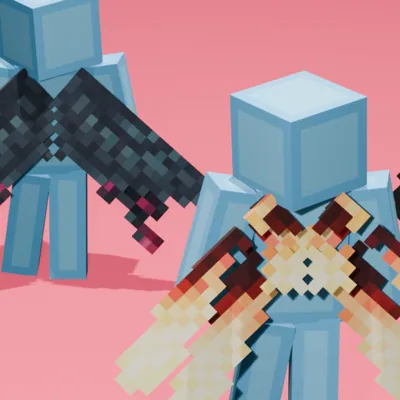
A Bedrock port of Chimedragon's 16x and 32x insect-inspired Elytra texture packs featuring butterflies, moths, dragonflies, and ladybugs.
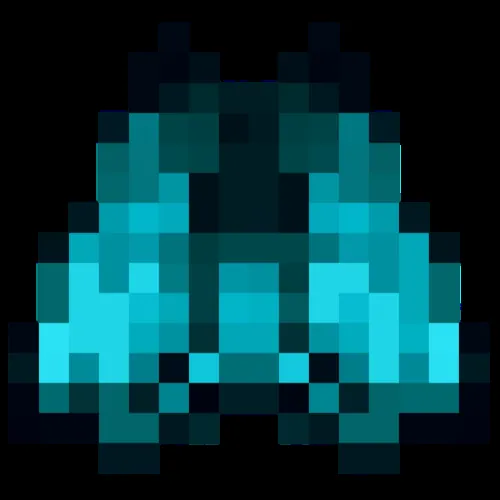
A resource pack that replaces the default Minecraft Elytra texture with colorful butterfly wings.
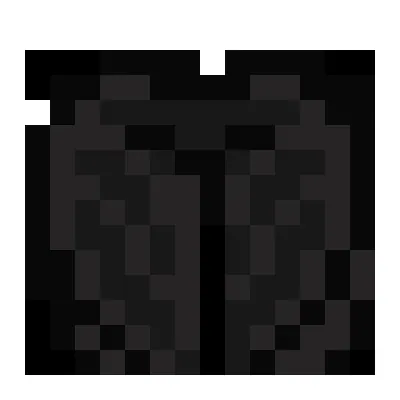
A resource pack that retextures the vanilla elytra to look like a pair of dragon wings.
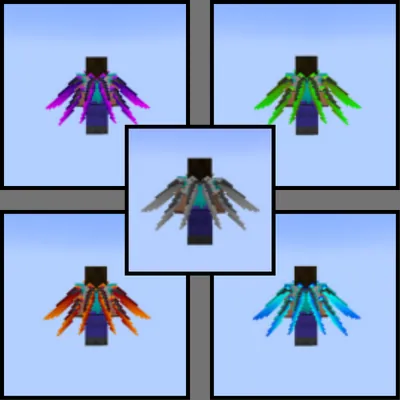
A resource pack featuring five different colored dragon wing elytra textures.

Replaces the default elytra worn model and item textures with Ender Dragon wings.
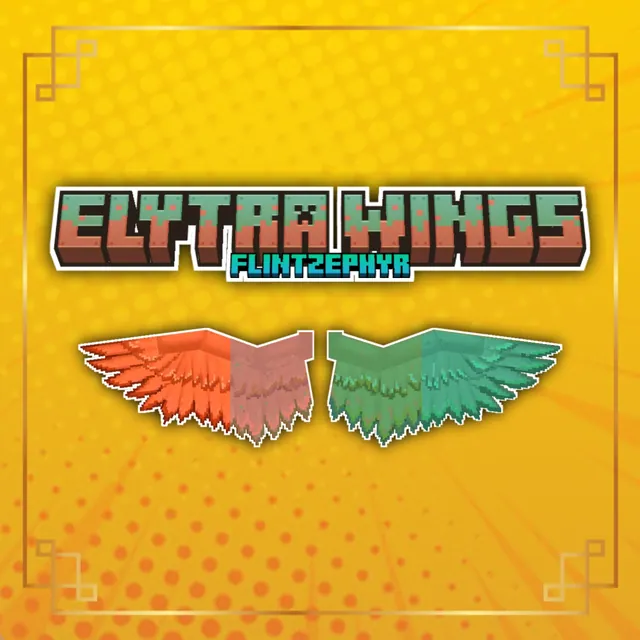
A Bedrock texture pack replacing the elytra with 13 selectable 3D wing models, animations, and custom gliding sounds.