
Ender Dragon Wings
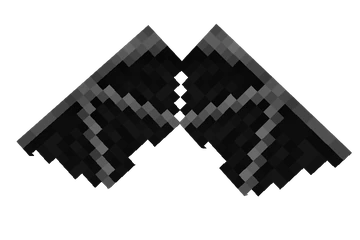
Replaces the default elytra worn model and item textures with Ender Dragon wings.

Overview and Visual Modifications
The Ender Dragon Wings resource pack transforms the standard elytra into the wings of an Ender Dragon. Developed by ImpSteve from an original concept credited to Minecraft_Mike, this pack updates the appearance of the default flight equipment. When a player equips the gear, the worn model shows the new dragon wing design.
Along with the equipped model appearance, the pack alters the inventory sprites for the gear. Both the usable elytra item and the damaged, broken state receive updated artwork to match the dragon theme. This provides a consistent look whether the wings are being worn for flight or sitting inside an inventory slot.
- Place the standard elytra into your chestplate slot to display the Ender Dragon wing appearance on your character.
- Check your inventory to view the redesigned icons for both the functional and broken states of the item.
In-Game Usage and Mechanics
This texture replacement works automatically on the base item without requiring extra steps from the player. Because it directly overrides the default visual assets for the worn model and item states, you do not need to rename the gear at an anvil or enter any commands. Any standard elytra found in the game will immediately display the updated dragon wing graphics once the pack is active.
Questions
Which visual elements are changed by the Ender Dragon Wings pack?
It changes the equipped model appearance, the standard inventory icon, and the broken item icon.
Who is credited with the concept for this project?
The resource pack was made by ImpSteve, based on an idea from Minecraft_Mike.
Elytra designs in this pack
Related
A resource pack that replaces the default elytra with detailed dragon wing textures.
A Minecraft Bedrock texture pack featuring over 19 glowing Elytra designs selectable via subpacks, inspired by mobs and characters.
A resource pack that retextures the vanilla elytra to look like a pair of dragon wings.
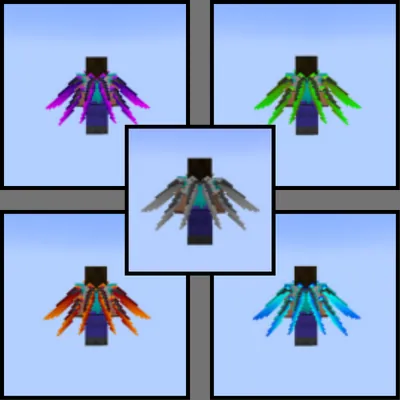
A resource pack featuring five different colored dragon wing elytra textures.
A Bedrock texture pack replacing the elytra with 13 selectable 3D wing models, animations, and custom gliding sounds.

A CIT resource pack adding 22 custom wing and elytra designs unlocked by renaming an elytra in an anvil.
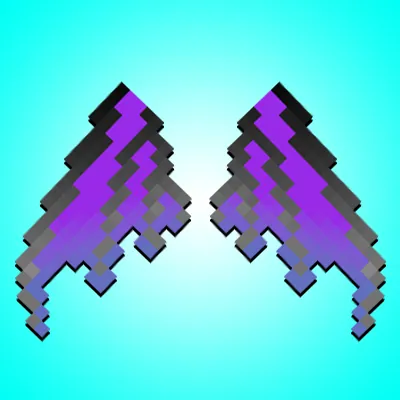
A resource pack that transforms the default Elytra into dragon-like wings that prevent foot clipping.
Minecraft Bedrock resource pack providing 30 selectable 3D elytra models including angel, dragon, butterfly, demon, and fairy wings.