
Srkuls's Custom Wings
A Bedrock texture pack providing 5 HD custom elytra wing designs selectable via an in-game subpack slider.
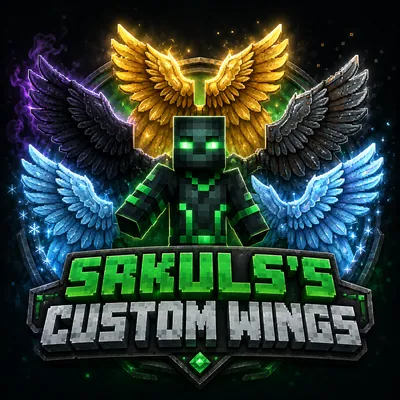
What Srkuls's Custom Wings Changes
Created by Srkuls, this Bedrock Edition resource pack replaces the standard elytra with five selectable high-definition pixel art wing models. Rather than managing separate texture packs, players can cycle through all five looks within a single pack. Each wing model uses a 1024x512 UV resolution for clear visual details during flight.
In addition to the 3D worn textures, the pack updates the elytra inventory sprite with a matching 128x128 custom icon for whichever style is active. This ensures the item in your hotbar or inventory slot matches the appearance of the wings equipped on your character.
Included Wing Variants
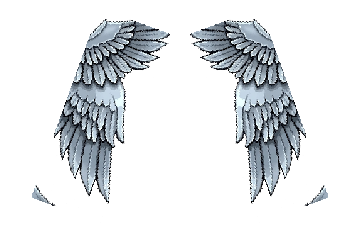
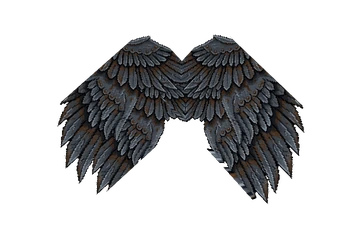
Players can choose between metallic, feathered, and crystalline themes depending on their character's look. For heavy or armored styles, the Steampunk Iron Wings feature industrial iron plates with rustic rivets, while the Silver Steel Wings provide polished steel blades suited for a knightly look.
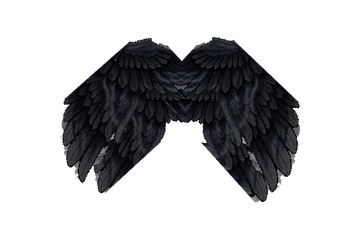
For feather and elemental themes, the pack offers Golden Angel Wings, Shadow Dark Wings, and Crystal Ice Wings. The Golden Angel variant displays bright golden feathers with aura sparkles, whereas the Shadow Dark option uses obsidian-colored feathers with shadowy details. Finally, the Crystal Ice design shapes the elytra into glowing cyan crystal shards with icy reflections.
How to Switch Wing Designs In-Game
Because the pack utilizes Bedrock's subpack feature, you can change your active elytra design directly through the resource pack configuration menu without adding or removing files. Follow these steps to pick a variant:
- Activate the Custom Wings Elytra pack inside your Global Resources or specific World Resource Packs list.
- Select the active pack and press the gear icon to open its settings menu.
- Adjust the Subpack Slider to pick between Steampunk Iron, Golden Angel, Shadow Dark, Silver Steel, or Crystal Ice.
- Exit the settings menu and re-enter your world or restart the game so the new texture loads properly.
Compatibility and Technical Notes
Since this project is currently in a pre-release beta state, changing the subpack slider requires you to reload your world or restart Minecraft for the new wing texture to refresh on your character. Furthermore, the textures are aligned specifically for default Steve and Alex player models. Using 4D skins, 3D skin add-ons, or other modified player models may cause slight UV alignment shifts near the inner wing joints.
Questions
Do I need to install five separate packs to use all the wing styles?
No, all five variants are bundled into one pack and can be switched using the in-game subpack slider gear icon.
Why did my wing texture not update after moving the subpack slider?
You need to exit and re-enter your world or restart Minecraft for the newly selected subpack texture to refresh.
Do the custom wings change the item icon in the inventory?
Yes, each of the five wing variants includes its own matching 128x128 inventory icon.
Does this pack work with custom 3D or 4D skins?
The pack is aligned for standard Steve and Alex models, so custom 3D or 4D player models might show minor alignment issues on the inner wing joints.
Elytra designs in this pack



Related
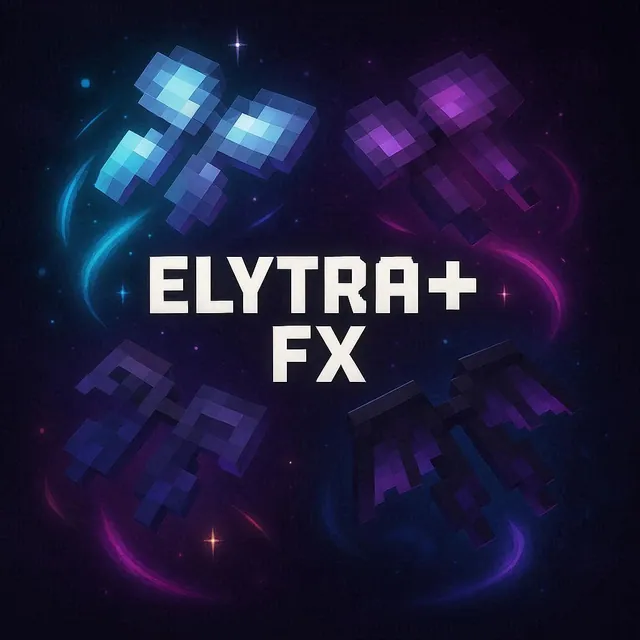
A Minecraft Bedrock texture pack featuring over 19 glowing Elytra designs selectable via subpacks, inspired by mobs and characters.

Replaces the default elytra texture with light blue angel wings.

A CIT resource pack adding 22 custom wing and elytra designs unlocked by renaming an elytra in an anvil.
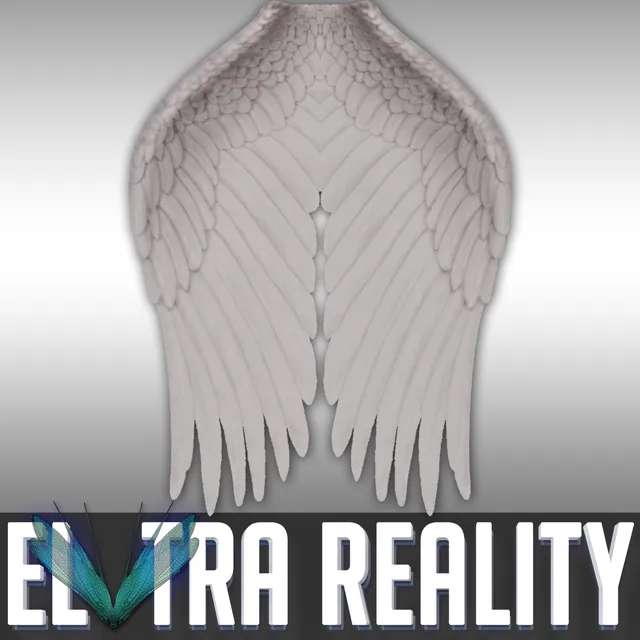
High-resolution resource pack that replaces the elytra and its item icons with photorealistic off-white angel wings.
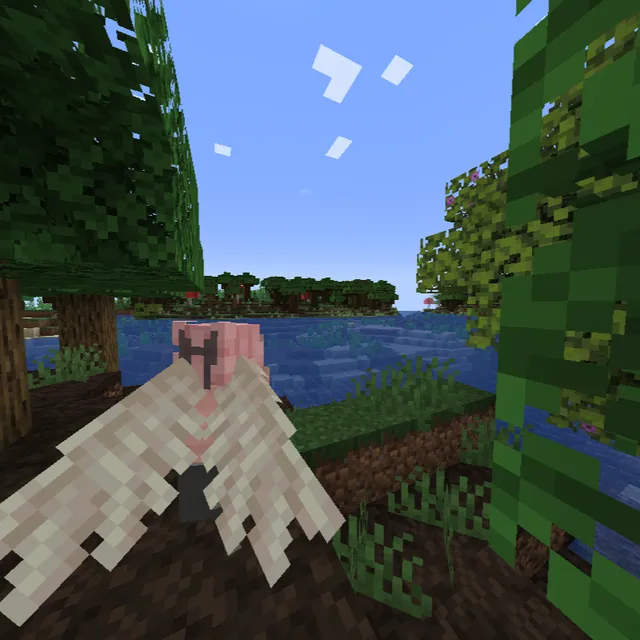
Resource pack that replaces the default elytra with bird-like angel wings.
Minecraft Bedrock resource pack providing 30 selectable 3D elytra models including angel, dragon, butterfly, demon, and fairy wings.
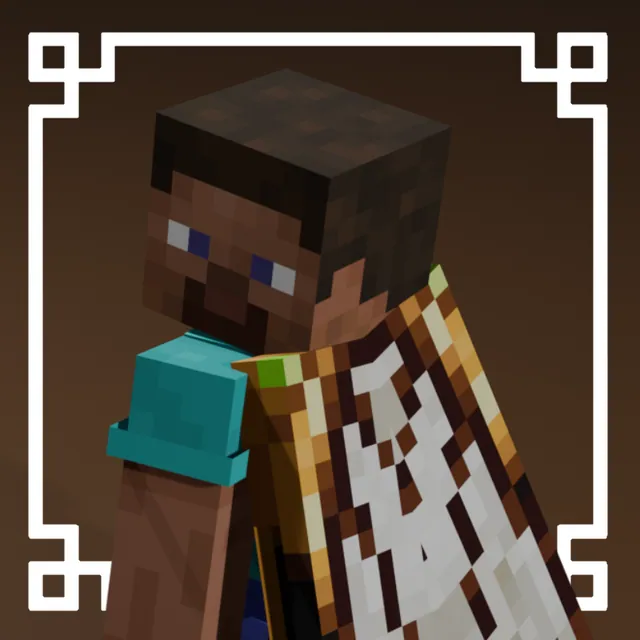
A Bedrock Edition texture pack that replaces the default elytra and its item icons with a steampunk-themed design.

A resource pack that replaces the default elytra with the Disassembly Drone wings from the show Murder Drones.